Module 14. Life online All ages
Making things with tech
You can make things with tech, as well as watch them.
Draft. The BELIEVE team is still checking this page.
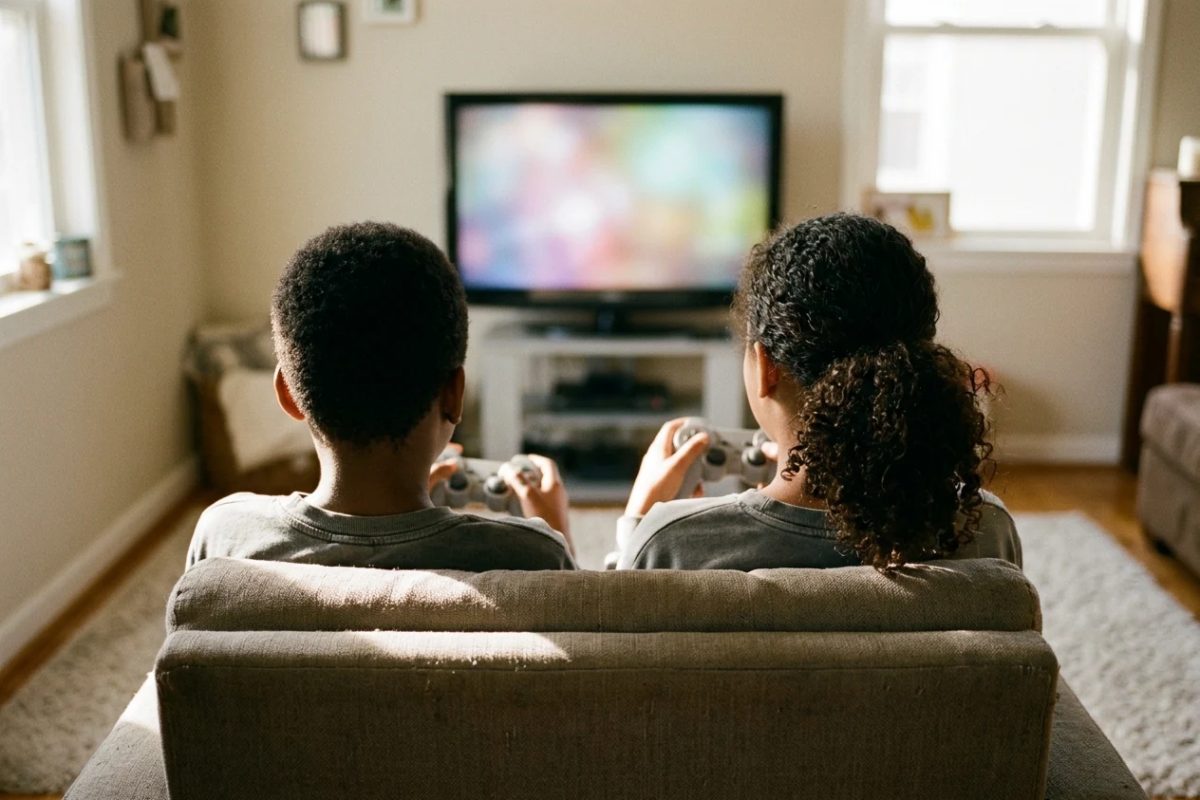
You've played hundreds of games. What if you made one?
It might be a cat that runs across the screen. Or a quiz about your favourite animal. Or a song made of funny noises.
It won't be perfect. The cat might run backwards. That's half the fun.
Every person who makes games started with something wobbly.
Do I need to be good at maths?
No. Being curious matters more.
Coding is giving a computer step-by-step instructions. It's a bit like a recipe. "Move 10 steps. Turn. Say hello." It's more like a puzzle than a sum. What steps make this happen?
Some coding tools use blocks you snap together, like building bricks. One free tool called Scratch was made for ages 8 to 16. It comes in more than 40 languages.
What can I make?
- A game. Start tiny. One character and one thing to catch.
- A story or cartoon. Draw characters and make them talk.
- Music. Lots of free tools let you mix beats and sounds.
- Something real. Some clubs build robots or gadgets from simple kits.
Why doesn't it work first time?
A computer can't guess what you mean. It does exactly what you tell it, even when that's silly. So nearly everything goes wrong at first. Then you're a real coder! Fixing mistakes is called debugging. Coders do it all day long.
Change one thing at a time. Then you'll know which change fixed it. Test it. Laugh at the cat running backwards. Try again.
Can I try it without a computer?
Yes. Coding is really about clear steps. You can practise with paper.
Write instructions for a friend to draw a shape. They have to follow your words exactly. Did they draw what you wanted? If not, fix your steps.
Want to use a screen? A school, a library or a club is a great place to start.
Easy to get wrong
- Starting with a giant project. Start tiny and add bits. Small things are easier to fix, and each win keeps you going.
- Thinking tech is only for some people. Anyone can make things.
- Sharing your work with your real name. Use a nickname and ask a grown-up first.
Everyone starts from a different place
Some people have a laptop at home. Lots don't. Some people use a screen reader or other tools to code. Some code in their own language instead of English. All of that works.
Start smaller if you like. Try a "robot game" with no screen at all. One person gives the steps. The other follows them exactly.
Questions you might have
What is Scratch?
It's a free coding tool made by a team in the United States in 2007. You snap blocks together to make games, stories and cartoons. Then you can share them with others.
How many people use it?
Loads. More than 100 million people had joined Scratch by December 2022. People use it in more than 150 countries around the world.
Is coding only for people who are good at computers?
No. Scratch was made for beginners aged 8 to 16. Its makers say people also learn creative thinking and working together while they make things.
Do most people make things or just watch?
Most watch. In a 2026 UK survey, 65 in 100 of those aged 8 to 17 mostly watched or read. About 34 in 100 posted or shared things.
Do I need my own computer?
No. Lots of people code at school, a library or a club. You can practise on paper too. Scratch is free and works in more than 40 languages.
Is it safe to share what I make?
It can be, with care. Use a nickname. Leave out your face, school and where you live. Ask a grown-up before you share anything, so they can check the settings with you.
Related topics
Having ideas · Your first business idea · Music, art and making things · Using AI to learn · Making videos and content
Collect the Value yourself cards8 cards for this rule. Tap, try it, collect it.See the cardsSources
- Scratch, "About Scratch", for ages 8 to 16, free, more than 40 languages and 150 countries, checked November 2026
- MIT Media Lab, "Scratch hits a major milestone: 100 million global users!", 2 December 2022, for 100 million users and 2007
- Ofcom, "Younger phone owners, the rise of AI, and consumption over creation: our latest look at UK children's media lives", 21 May 2026, for 65% mostly watching and 34% posting
This is part of Value yourself, one of the 7 BELIEVE rules. Article 147 of 191.